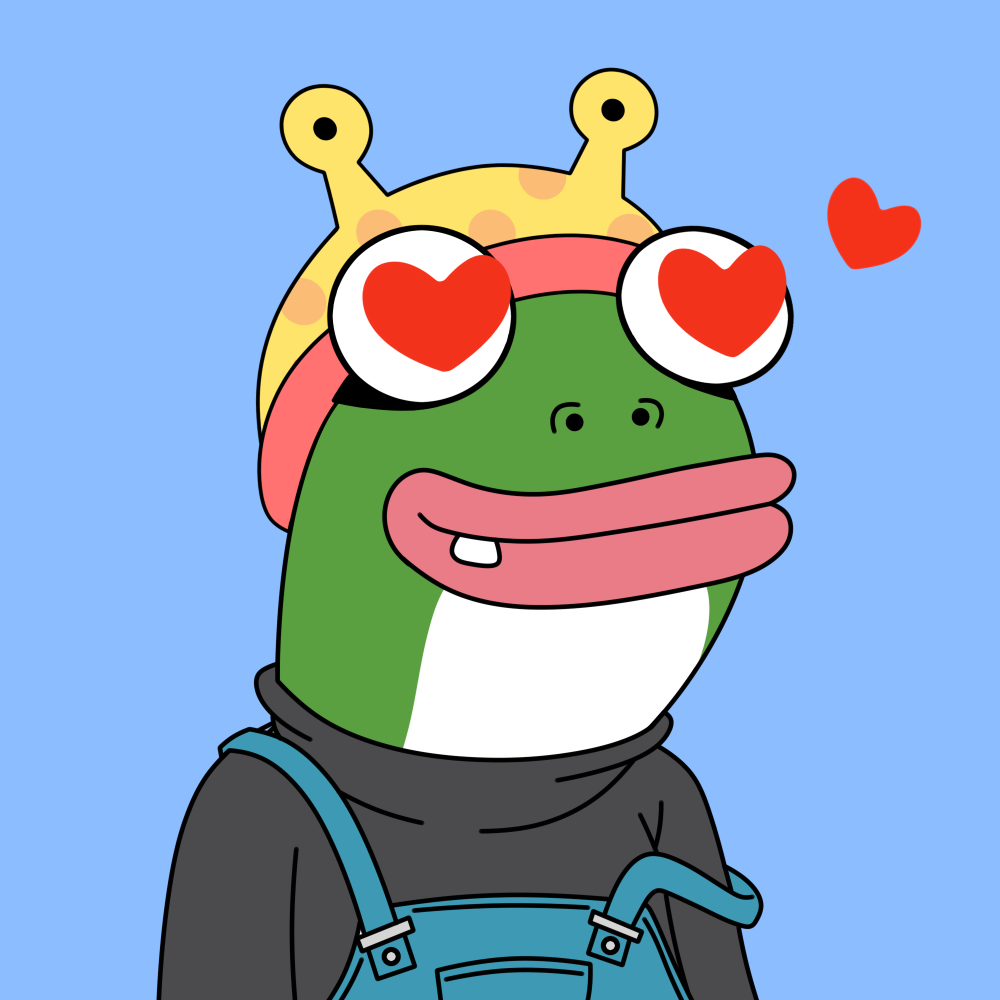
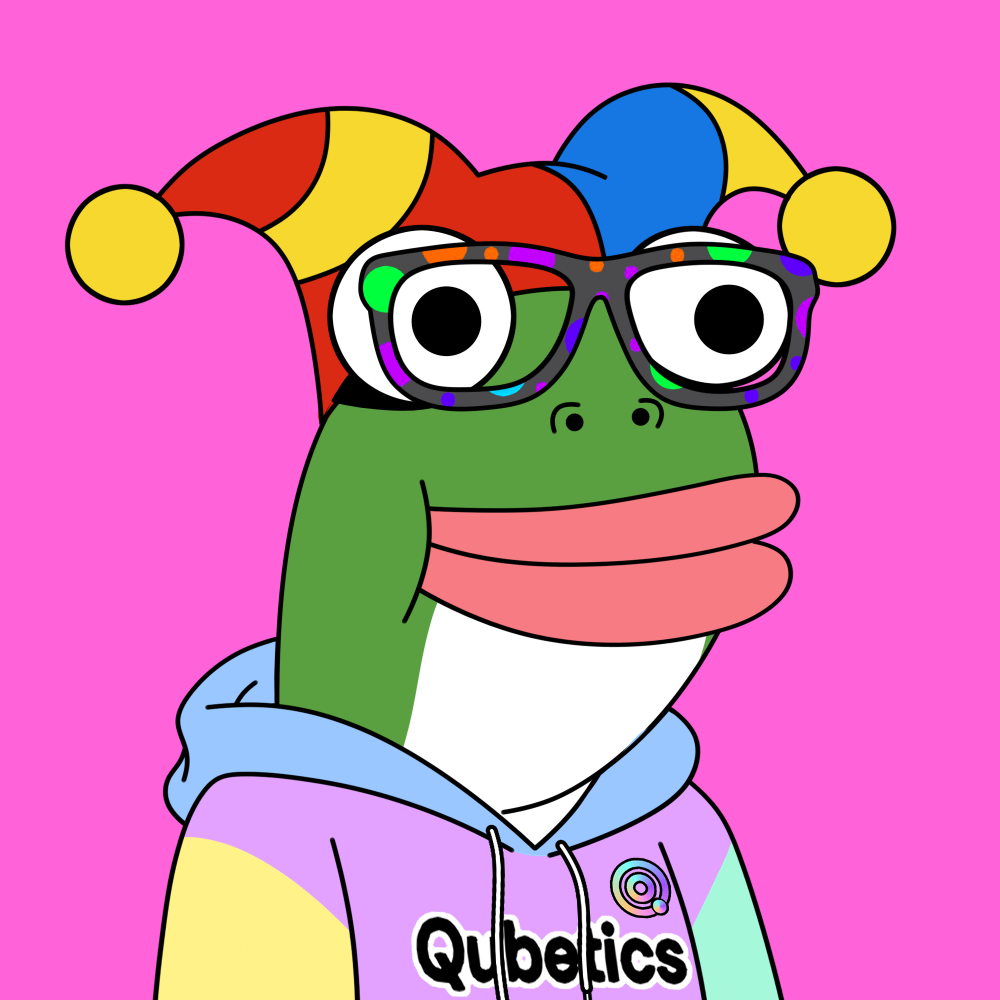
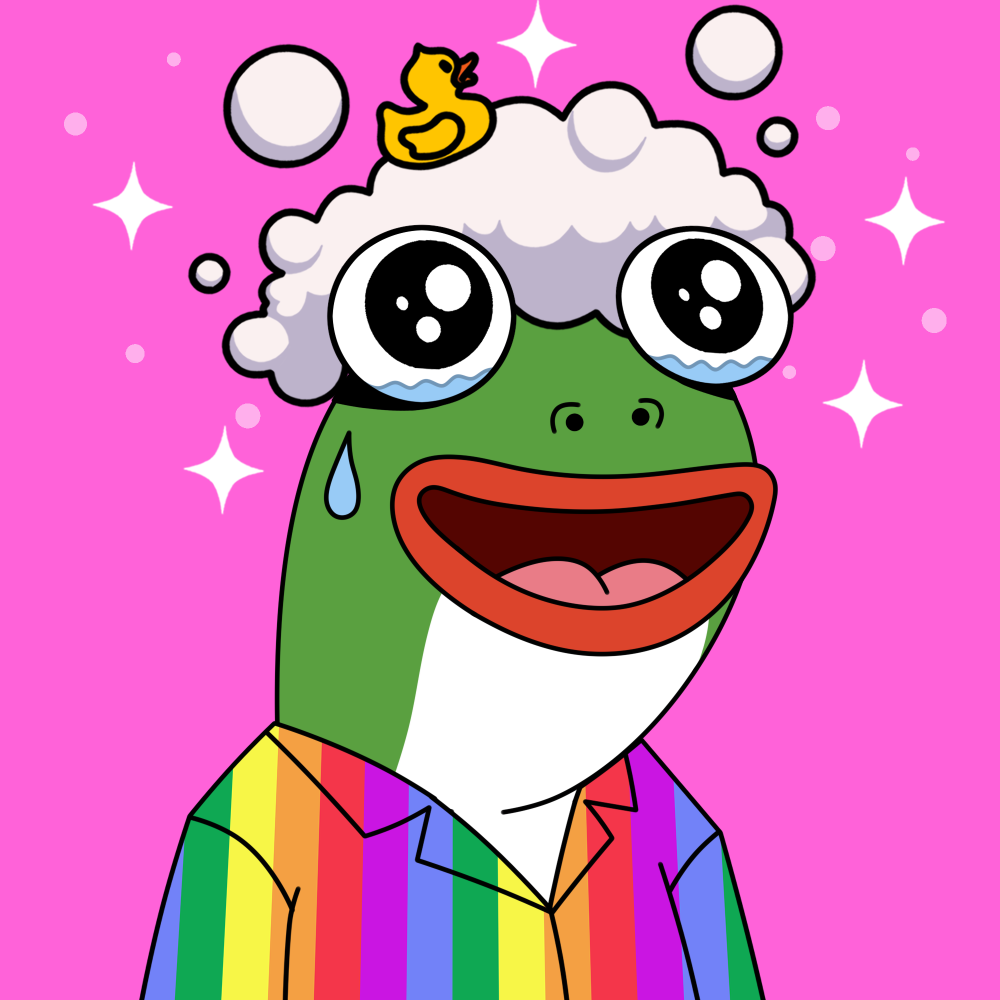
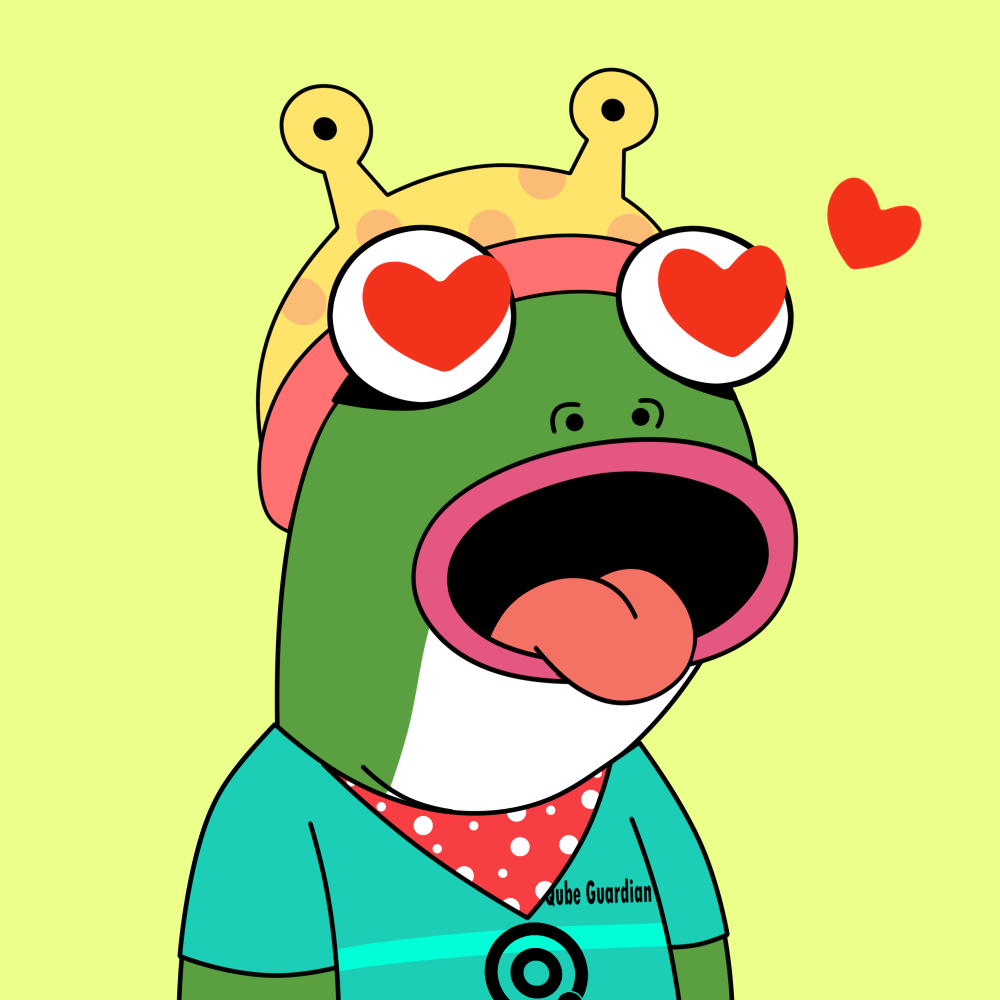
Qubetics Frogs NFT Platform
Welcome to the comprehensive documentation for the Qubetics Frogs NFT Platform. This guide will help you understand, integrate, and interact with our Web3 NFT marketplace built on the Qubetics blockchain.
Platform Overview
The Qubetics Frogs NFT Platform is a decentralized application (DApp) featuring:
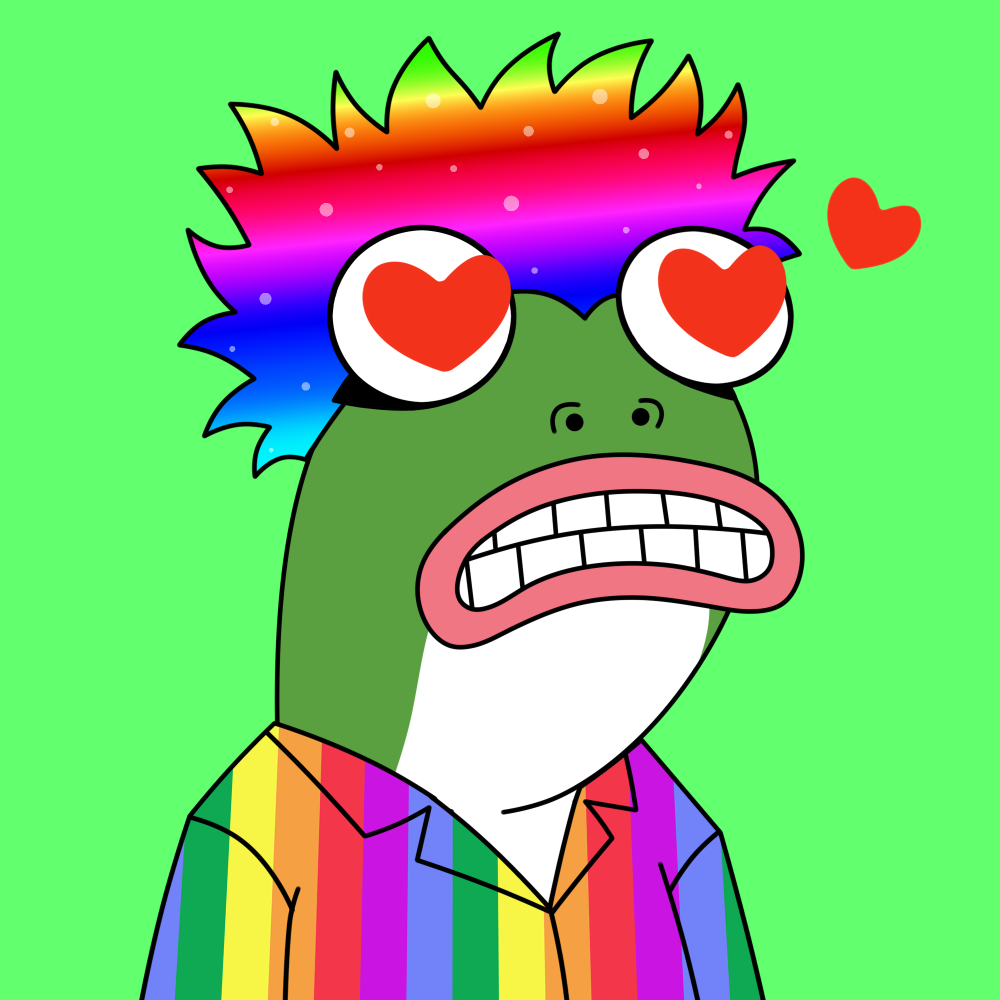
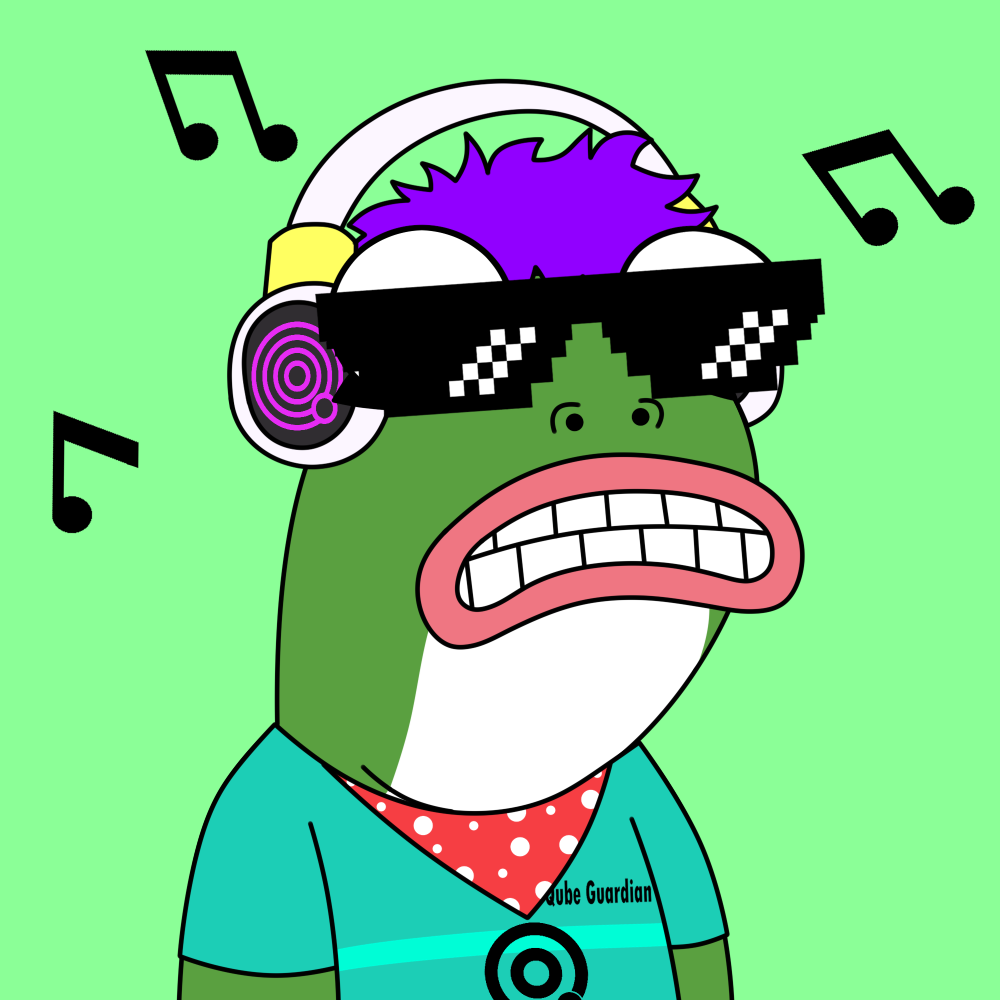
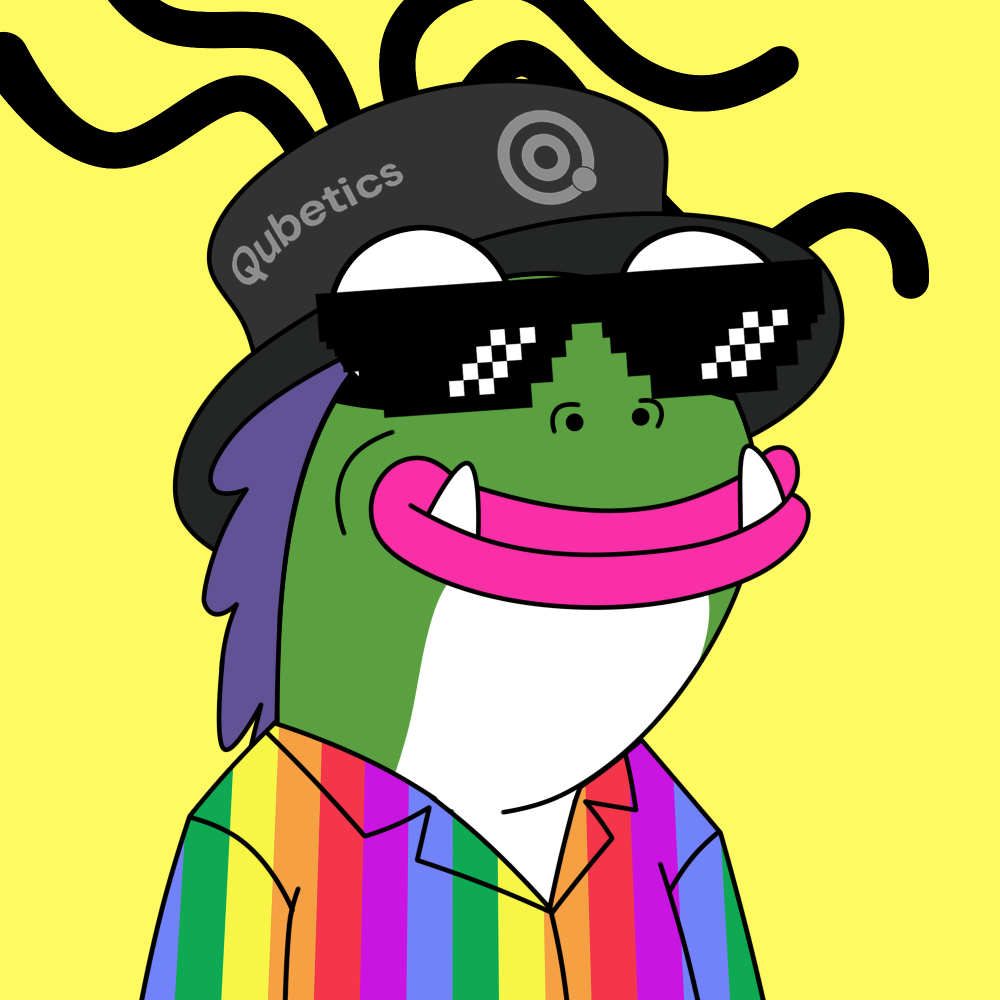
- 10,000 Pre-minted NFTs - Complete collection ready for trading
- Qubetics Blockchain - Built on Chain ID 9030 with native TICS currency
- MetaMask Integration - Seamless wallet connectivity
- Airdrop System - Both free and paid airdrop campaigns
- REST API - Full backend API for developers
What You'll Learn
This documentation covers everything from basic wallet setup to advanced API integration. Each section includes practical examples and troubleshooting tips.
Network Information
{
  "networkName": "Qubetics",
  "chainId": 9030,
  "rpcUrl": "https://rpc.qubetics.com",
  "currencySymbol": "TICS",
  "nftContract": "0x60a53c5C8883f1493dA3E419211545Af74C567C0",
  "managerContract": "0xeef893d684889c3594A1E870cFD4F5B636a0B702"
}
Quick Start Guide
Get up and running with Qubetics Frogs NFTs in just a few steps.
Prerequisites
- MetaMask browser extension installed
- Basic understanding of Web3 and NFTs
- TICS tokens for transactions (if purchasing NFTs)
Step-by-Step Setup
1. Install MetaMask
Download and install MetaMask from metamask.io
2. Add Qubetics Network
Network Name: Qubetics
RPC URL: https://rpc.qubetics.com
Chain ID: 9030
Currency Symbol: TICS
Block Explorer: (Optional)
3. Connect Your Wallet
Visit our platform and click "Connect Wallet" to link your MetaMask account.
Pro Tip
The platform will automatically prompt you to add the Qubetics network if it's not already configured in MetaMask.
MetaMask Setup
Detailed instructions for configuring MetaMask to work with Qubetics Frogs NFTs.
Adding Qubetics Network
Method 1: Automatic Setup
Our platform includes automatic network detection. When you connect your wallet, you'll be prompted to add the Qubetics network if it's not already configured.
Method 2: Manual Setup
- Open MetaMask and click the network dropdown
- Select "Add Network" or "Custom RPC"
- Enter the network details below
- Click "Save" to add the network
Network Name: Qubetics
New RPC URL: https://rpc.qubetics.com
Chain ID: 9030
Currency Symbol: TICS
Block Explorer URL: (Leave empty)
! Important
Make sure to use the exact RPC URL and Chain ID shown above. Incorrect values will prevent proper connectivity to the Qubetics network.
Importing Your NFTs
After purchasing or receiving NFTs, follow these steps to view them in MetaMask:
- Open MetaMask and ensure you're on the Qubetics network
- Navigate to the "NFTs" tab
- Click "Import NFT"
- Enter the contract address: 0x60a53c5C8883f1493dA3E419211545Af74C567C0
- Enter your specific Token ID
- Click "Add" to import the NFT
API Endpoints
Complete reference for all public API endpoints available in the Qubetics Frogs platform.
Public Endpoints
Description: Check if an Ethereum address is whitelisted for airdrops
Parameters:
- address (string, required) - Ethereum address to check
curl "https://api.example.com/api/whitelist?address=0x742d35Cc6634C0532925a3b8D17f5E2C3000C89e"
Description: Get detailed information about a specific NFT
Parameters:
- id (integer, required) - Token ID (1-10000)
- sync (boolean, optional) - Sync with blockchain data
curl "https://api.example.com/api/nft/1?sync=true"
Description: List all active airdrop campaigns
curl "https://api.example.com/api/campaigns"
Smart Contracts
Technical documentation for the smart contracts powering the Qubetics Frogs NFT platform.
Contract Addresses
// Main NFT Contract (ERC721)
address constant NFT_CONTRACT = 0x60a53c5C8883f1493dA3E419211545Af74C567C0;

// Management Contract V3
address constant MANAGER_CONTRACT = 0xeef893d684889c3594A1E870cFD4F5B636a0B702;

// Owner Address
address constant OWNER = 0xFC8B63a4424473FC598cA77de4116eAcf7e06794;
Key Functions
NFT Contract Functions
// Transfer NFT
function transferFrom(address from, address to, uint256 tokenId) external;

// Approve transfer
function approve(address to, uint256 tokenId) external;

// Check owner
function ownerOf(uint256 tokenId) external view returns (address);
Manager Contract Functions
// Batch transfer (up to 100 NFTs)
function batchTransferNFTs(
    address[] calldata recipients,
    uint256[] calldata tokenIds
) external;

// Airdrop functions
function setFreeAirdrop(address user, uint256 startId, uint256 quantity) external;
function setPaidAirdrop(uint256 pricePerNFT, uint256 maxPerWallet, uint256 endTime) external;
Implementation Notes
All contracts are deployed on Qubetics mainnet. The platform uses a pre-minted approach where all 10,000 NFTs are minted to the owner address and distributed through the manager contract.
Wallet Connection
Step-by-step guide for connecting your MetaMask wallet to the Qubetics Frogs platform.
Connection Process
1. Check MetaMask Installation
Ensure you have MetaMask installed in your browser. If not, download it from metamask.io
2. Connect to Platform
- Visit the Qubetics Frogs NFT platform
- Click the "Connect Wallet" button
- Select MetaMask from the wallet options
- Approve the connection in the MetaMask popup
3. Network Auto-Setup
When you connect, the platform will automatically detect if you need to add the Qubetics network. If prompted:
- Click "Add Network" in the MetaMask popup
- Review the network details
- Click "Approve" to add Qubetics to MetaMask
- Switch to the Qubetics network when prompted
Connection Tips
- Always connect from the official platform URL
- Never share your private keys or seed phrase
- Ensure you're on the correct network before making transactions
- You can disconnect and reconnect anytime through MetaMask
NFT Import Guide
Learn how to view your Qubetics Frogs NFTs in MetaMask and other wallets.
Importing to MetaMask
Automatic Import
Most NFTs will automatically appear in MetaMask after purchase or transfer. If they don't show up:
Manual Import Process
- Open MetaMask and ensure you're connected to Qubetics network
- Click on the "NFTs" tab in MetaMask
- Click "Import NFT" at the bottom
- Enter the contract details:
Contract Address: 0x60a53c5C8883f1493dA3E419211545Af74C567C0
Token ID: [Your specific NFT Token ID]
Click "Add" and your NFT should appear in the NFTs section.
Finding Your Token IDs
You can find your owned NFT Token IDs by:
- Checking your transaction history on the platform
- Using the platform's "My NFTs" section
- Looking at transfer confirmation emails
Token ID Range
Qubetics Frogs NFTs have Token IDs ranging from 1 to 10,000. Each NFT has unique metadata and artwork.
Airdrop Guide
Complete guide to participating in both free and paid airdrop campaigns.
Free Airdrops
Eligibility
Free airdrops are typically awarded to:
- Early platform users
- Community members
- Special event participants
- Whitelisted addresses
Claiming Process
- Connect your wallet to the platform
- Navigate to the "Airdrop" section
- Check if you have any available free claims
- Click "Claim Free Airdrop" if eligible
- Confirm the transaction in MetaMask
Paid Airdrops
How They Work
Paid airdrops allow users to purchase NFTs at discounted prices during limited-time campaigns.
Participation Steps
- Check active paid airdrop campaigns
- Verify you meet any requirements (whitelist, etc.)
- Select the number of NFTs to purchase (within limits)
- Pay the required TICS amount
- Confirm the transaction
- NFTs will be transferred to your wallet automatically
! Important Notes
- Paid airdrops have limited quantities and time windows
- Each wallet has a maximum purchase limit per campaign
- Ensure you have sufficient TICS balance before participating
- All sales are final - review carefully before confirming
API Overview
Introduction to the Qubetics Frogs platform API for developers and integrators.
Base URL
https://api.qubetics-frogs.com
Authentication
The API provides both public and admin endpoints:
- Public endpoints: No authentication required
- Admin endpoints: Require X-Admin-Key header
Rate Limiting
The API implements rate limiting to ensure fair usage:
- Per minute: 100 requests
- Per hour: 1,000 requests
- Per IP address: Automatic blocking for abuse
Response Format
All API responses are in JSON format:
{
  "success": true,
  "data": {...},
  "message": "Operation completed successfully",
  "timestamp": "2024-01-15T10:30:00Z"
}
Error Handling
Error responses follow this structure:
{
  "success": false,
  "error": "Error description",
  "code": "ERROR_CODE",
  "timestamp": "2024-01-15T10:30:00Z"
}
Developer Tips
- Always check the success field first
- Implement proper error handling for network issues
- Cache responses when appropriate to reduce API calls
- Use the sync=true parameter for real-time blockchain data
Integration Guide
Technical guide for integrating with the Qubetics Frogs NFT platform.
Frontend Integration
Required Dependencies
<script src="https://cdnjs.cloudflare.com/ajax/libs/ethers/5.7.2/ethers.umd.min.js"></script>
Basic Wallet Connection
// Check if MetaMask is installed
if (typeof window.ethereum !== 'undefined') {
    const provider = new ethers.providers.Web3Provider(window.ethereum);

    // Request account access
    await provider.send("eth_requestAccounts", []);
    const signer = provider.getSigner();
    const userAddress = await signer.getAddress();

    console.log('Connected:', userAddress);
} else {
    console.log('Please install MetaMask!');
}
Network Configuration
const QUBETICS_NETWORK = {
    chainId: '0x2346', // 9030 in hex
    chainName: 'Qubetics',
    rpcUrls: ['https://rpc.qubetics.com'],
    nativeCurrency: {
        name: 'TICS',
        symbol: 'TICS',
        decimals: 18
    }
};

// Add network to MetaMask
await window.ethereum.request({
    method: 'wallet_addEthereumChain',
    params: [QUBETICS_NETWORK]
});
Smart Contract Interaction
Contract Setup
const NFT_CONTRACT_ADDRESS = '0x60a53c5C8883f1493dA3E419211545Af74C567C0';
const MANAGER_CONTRACT_ADDRESS = '0xeef893d684889c3594A1E870cFD4F5B636a0B702';

// Minimal ABI for common functions
const NFT_ABI = [
    'function ownerOf(uint256 tokenId) view returns (address)',
    'function balanceOf(address owner) view returns (uint256)',
    'function tokenURI(uint256 tokenId) view returns (string)'
];

const nftContract = new ethers.Contract(NFT_CONTRACT_ADDRESS, NFT_ABI, provider);
Reading NFT Data
// Get NFT owner
const owner = await nftContract.ownerOf(tokenId);

// Get user's NFT balance
const balance = await nftContract.balanceOf(userAddress);

// Get NFT metadata URI
const tokenURI = await nftContract.tokenURI(tokenId);
Integration Best Practices
- Always validate user inputs before blockchain calls
- Implement proper error handling for network issues
- Use read-only calls when possible to save gas
- Cache blockchain data to improve performance
- Provide clear user feedback for all operations
Troubleshooting
Common issues and solutions for the Qubetics Frogs NFT platform.
Connection Issues
MetaMask Won't Connect
Solution
- Refresh the page and try again
- Check that MetaMask is unlocked
- Ensure you're on the correct network (Qubetics)
- Clear browser cache and cookies
- Disable other wallet extensions temporarily
Wrong Network Error
Solution
If you see a "Wrong Network" error:
- Click "Switch Network" in the platform popup
- Or manually switch to Qubetics in MetaMask
- If Qubetics isn't available, add it using network details from this guide
Transaction Issues
Transaction Failed
Common Causes & Solutions
- Insufficient Gas: Increase gas limit in MetaMask
- Insufficient TICS: Ensure you have enough TICS for the transaction
- Network Congestion: Wait and retry later
- Outdated Nonce: Reset MetaMask account in Settings > Advanced
NFT Not Showing
Solution
- Wait 10-15 minutes for blockchain confirmation
- Manually import the NFT using the contract address
- Refresh MetaMask by switching networks back and forth
- Check the transaction on blockchain explorer
Platform Issues
Page Won't Load
Solution
- Check your internet connection
- Try a different browser or incognito mode
- Disable ad blockers temporarily
- Clear browser cache and cookies
- Check if the platform is under maintenance
API Errors
Solution
- Rate Limited: Wait a few minutes before making more requests
- 504 Gateway Timeout: Server is temporarily unavailable, try again later
- 401 Unauthorized: Check admin key if using admin endpoints
- 400 Bad Request: Verify request parameters and format
Getting Help
If you're still experiencing issues:
- Check our community Discord for real-time support
- Search existing GitHub issues
- Create a new issue with detailed error descriptions
- Include browser console logs and transaction hashes when relevant
Reporting Issues
When reporting issues, please include:
- Browser and version
- MetaMask version
- Exact error message
- Steps to reproduce the problem
- Transaction hash (if applicable)